Restaurant inventory: stock, recipes and item cost
Know what the store room is short of before it stops you selling.
Built forRestaurantsCentral kitchensRecipe-led cafés
We set you up remotely, anywhere in Saudi Arabia
Your ingredients, their quantities and every movement
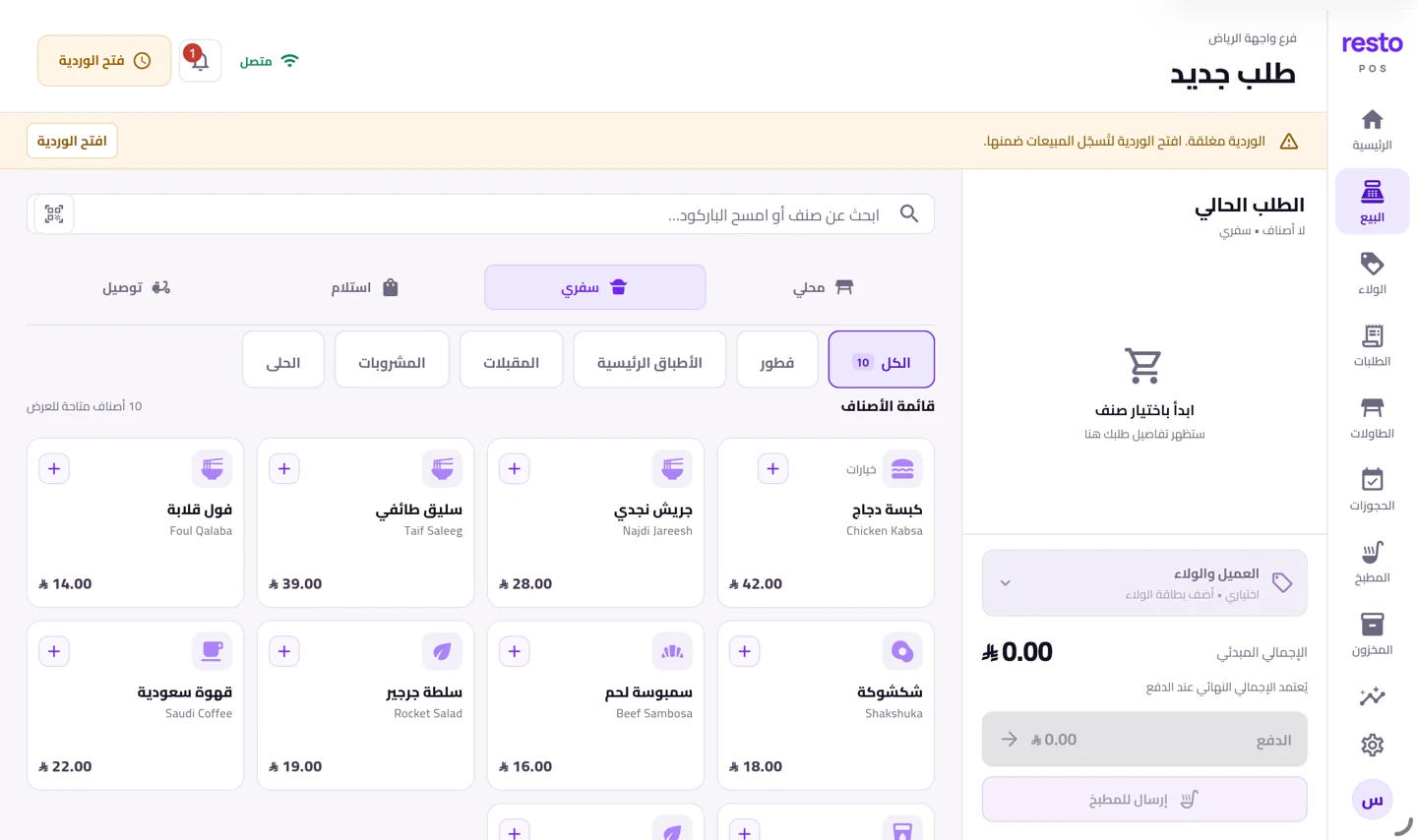
Record your store items with their units, categories and suppliers, and follow every receipt, issue and adjustment. Counts are entered from the dashboard or from the inventory screen in the till app.
A recipe for each dish, and a cost worked out
Tie a dish to its ingredients and their quantities, and stock comes down by the right amount on every sale. The same recipe tells you what the dish costs and what it earns, instead of a guess.
A dish whose ingredients have run out is not sold
When an ingredient falls below its level, the dish disappears from the sale screen and from your menu rather than selling something you cannot make. This applies where inventory is switched on in your plan.
Purchase orders and suppliers
Record your suppliers, write a purchase order with its items, quantities and prices, follow its receipt and its payments, and export it as a PDF you send to the supplier as it is.
Inventory is on the Growth and multi-branch plans
Inventory and recipes come with the Growth and multi-branch plans, together with the kitchen screen and the second device. The starter plan carries no inventory, and you can upgrade when you need it.
How to start
- Choose a Growth planInventory and recipes come with it, and an upgrade opens them with no re-setup.
- Enter your items and unitsIngredients, categories, suppliers and opening balances.
- Tie recipes to your dishesEach dish’s ingredients and quantities, and stock then moves on its own with every sale.
Plans
Every plan and its price is on the home page, with no binding contract.
See the plansCommon questions
Which plan has inventory?
The Growth and multi-branch plans in the operations family. The starter plan has no inventory, and neither do the loyalty and menu plans.
Does it work out item cost?
Yes, from the recipe: its ingredients, their quantities and their prices. The dish’s margin follows from it on the dashboard.
Can I count stock from the iPad?
Yes. Quantities and their movements are recorded from the inventory screen in the app; recipes and item cost are on the web dashboard.
Are there purchase orders and suppliers?
Yes. Record suppliers, write a purchase order with its items and quantities, and follow its receipt, its payments and its PDF.
Get your restaurant’s stock in order
Start with recipes for your ten best sellers and finish the rest after. Try it with no bank card.
Try it free