POS software for cafés
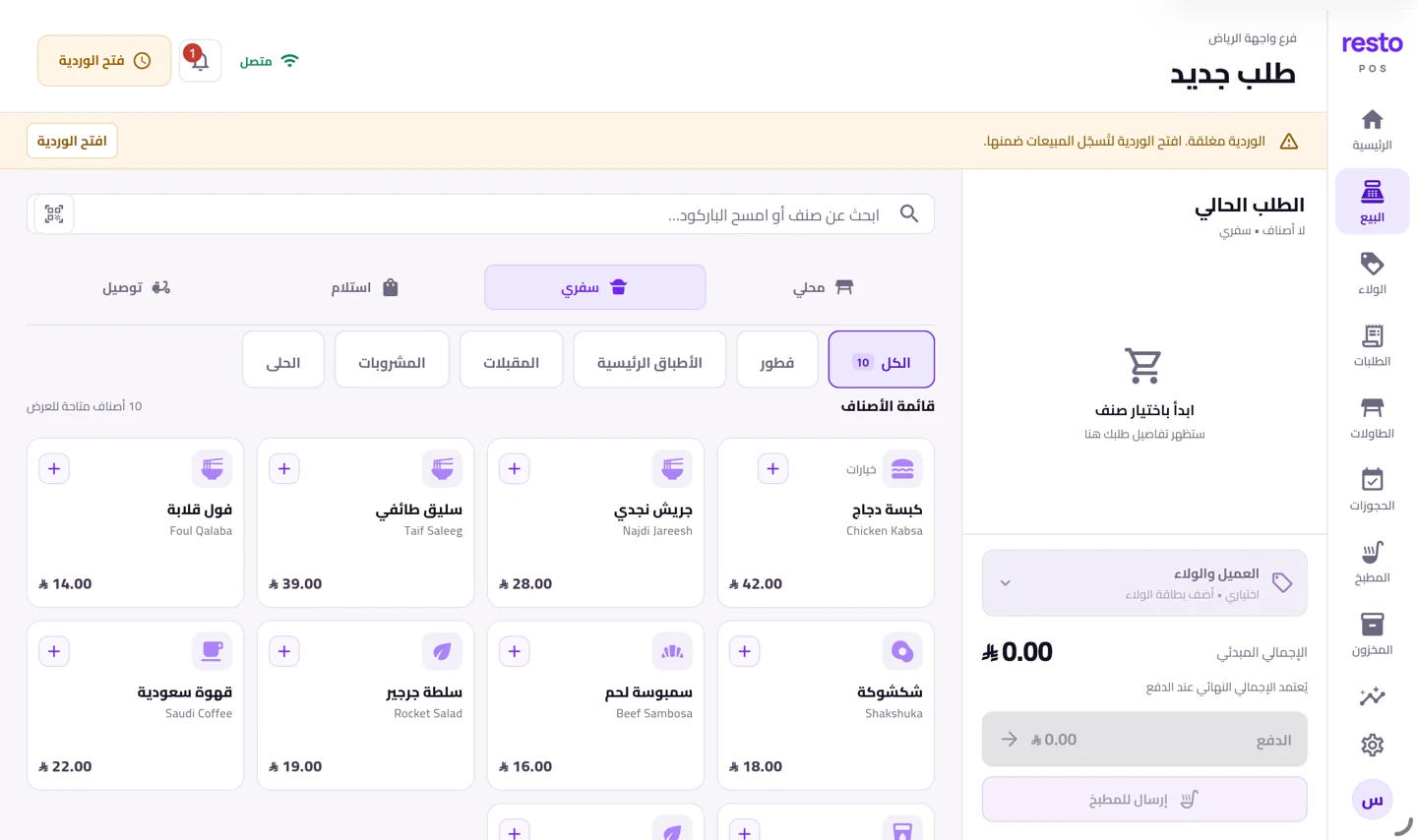
A sale screen laid out around your drinks: the size and the add-on before the barista finishes the sentence.
Built forCafésCoffee housesSpeciality roasters
We set you up remotely, anywhere in Saudi Arabia
The size and the add-ons on one screen
Write the drink once and give it its sizes with their prices and its add-ons: oat milk, an extra shot, no sugar. The till offers them as the order is rung and works out the price difference itself, so the barista memorises nothing.
A loyalty stamp with every cup
Choose which drink categories earn a stamp, how many cups win the reward, and how many stamps a single item gives. Your customer’s card lives in his phone wallet and he is notified on every stamp.
A shift in the name of whoever opened it, and a counted drawer
Every shift is kept under the name of the person who opened it, and you close it by counting the drawer denomination by denomination, so a difference shows at once. The day’s sales and how they were collected sit in one report after that.
A QR menu on the café tables
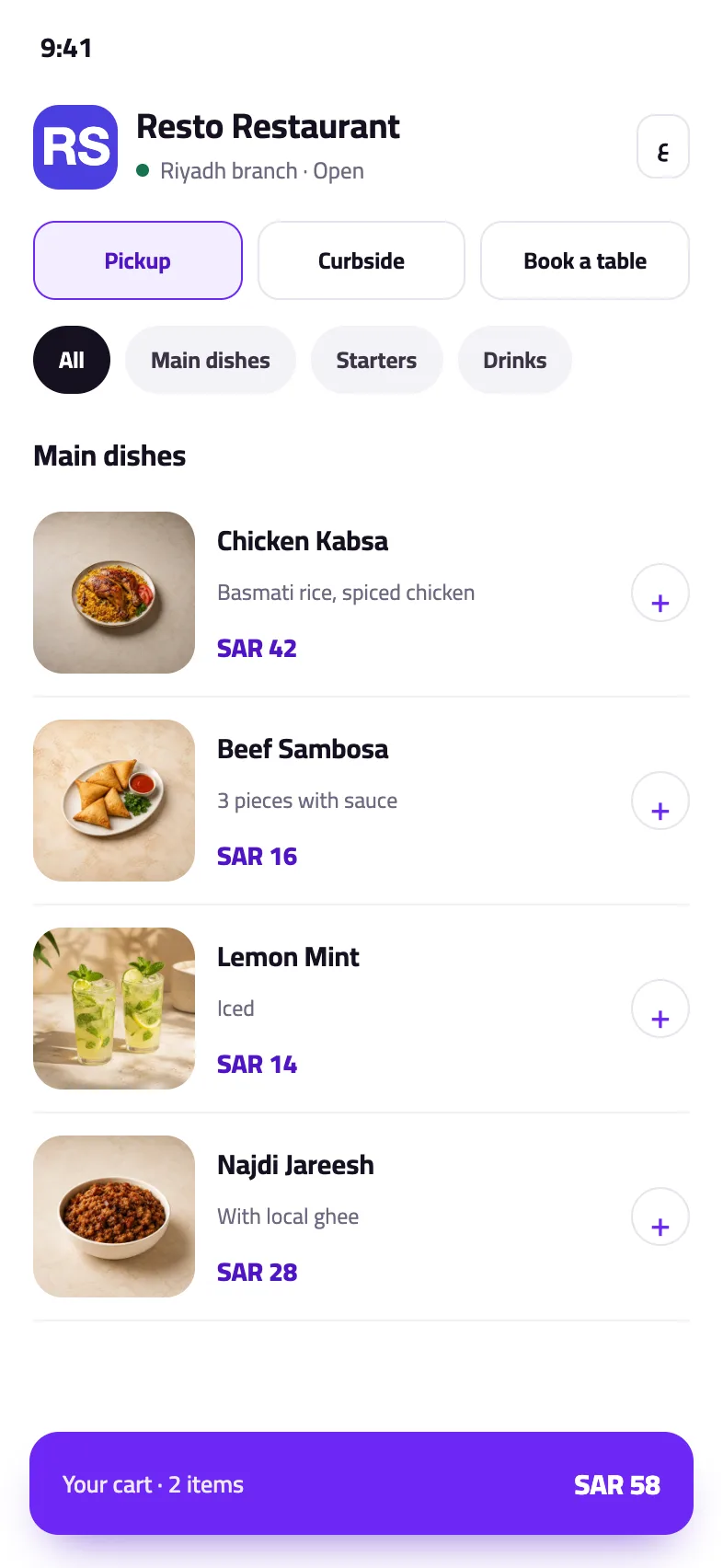
A code on the table opens your menu in Arabic and English, with photos and prices you edit yourself. On the operations plans your guest orders from it and the order lands on the till.
How to start
- Register your caféYour details, your business and a plan. Once the business is approved you activate the trial from your account.
- Upload your drinks with their sizesEach drink with its sizes, add-ons and prices, arranged with you remotely.
- Open a shift and startThe first cup is rung on the till, and the first stamp lands on your customer’s card.
Plans
Every plan and its price is on the home page, with no binding contract.
See the plansCommon questions
Can I set sizes and add-ons for a drink?
Yes. Every item takes sizes with their own prices, and add-on groups you pick one or several from, each with its price. The till and the menu show them in the order you set.
Can the stamp apply to drinks only?
Yes. A stamp rule applies to the categories you choose, and you set how many stamps win the reward and how many a single item gives.
How many tills can run at once?
The starter plan runs one point of sale; the growth plan adds a second device, either another till or a kitchen screen. The plans page lists each plan’s capacity.
Do I need a printer for a café?
Not to sell. For a printed bill and preparation tickets you need a compatible printer; compatibility depends on the model and how it connects, and we check it on your device before you go live.
Try the till in your café
Upload your drinks, open a shift, and judge it on the first day. No bank card and no automatic charge.
Try it free